My Work
Open My Workspace > My Work. This screen contains the Work Updates and Work Journal tabs when your account has both permissions.
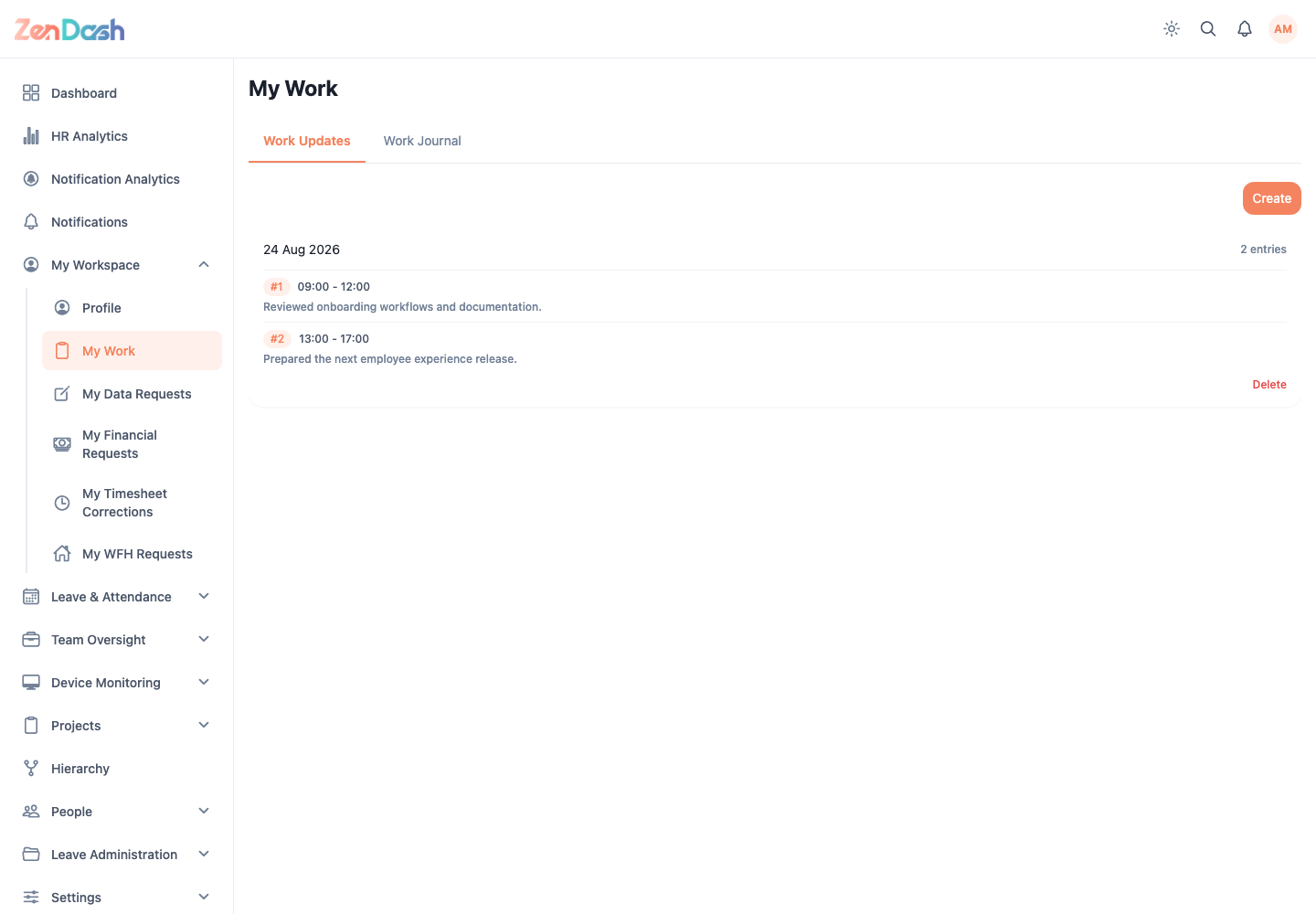
Work Updates
Use Create to record work completed on a date. The form asks for:
- Work Date;
- Start Time and End Time;
- Work Breakdown, with at least 10 characters.
Select Submit to create the update. Existing cards provide edit and delete actions when allowed; an edit uses Update to save the changes.
Work Journal
The journal combines work updates with other dated work events. Move between months, then select a day to inspect its entries. On mobile you can switch between calendar and list views; a wide web screen presents the month calendar with event bars.
The legend distinguishes event types. The journal is read-only: edit a work update from Work Updates, not from the journal.